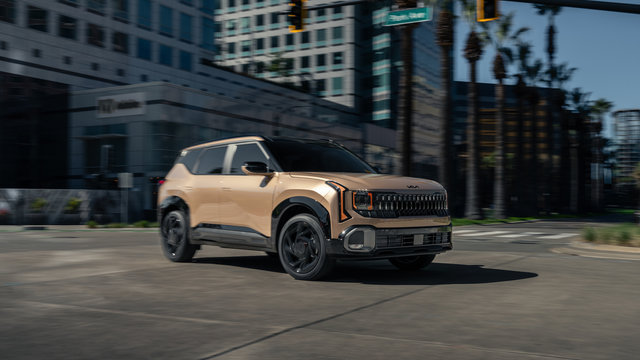
Approach your Kia without fumbling for keys - your phone unlocks the door as you walk up, and the engine starts when you press the button. Kia Digital Key 2 transforms compatible smartphones into secure, fully functional vehicle keys. Drivers across Ontario use this technology to simplify daily routines, from sharing access with family members to eliminating the anxiety of lost key fobs.
Kia offers two versions: Digital Key 2 and Digital Key 2 Touch. Both integrate with Apple Wallet, Samsung Wallet, and Google Wallet, turning your phone into a secure key that locks, unlocks, and starts your vehicle. Whether you drive a 2026 Sportage, EV9, or Sorento, understanding how these systems work helps you maximize convenience and security.
Understanding Kia Digital Key 2 Technology
Kia Digital Key 2 uses Near Field Communication (NFC), Bluetooth, and Ultra-Wideband (UWB) technology to create a hands-free experience. When you approach your vehicle with your phone in your pocket or bag, the Ultra-Wideband sensors detect your presence and unlock the doors automatically. Once inside, the engine starts without removing your phone from your pocket.
The system provides remote commands through your wallet app. Lock or unlock your Kia from a distance, activate the remote start function, or adjust climate controls before you enter. For electric vehicles like the EV9, you can precondition the cabin temperature while the vehicle charges in your driveway.
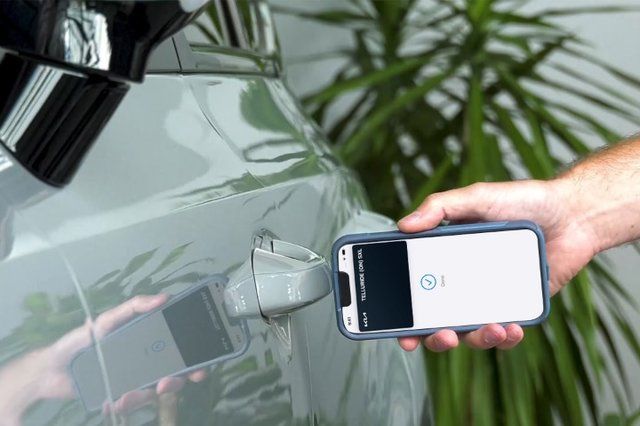
Digital Key 2 Touch offers the core experience using NFC technology exclusively. Hold your phone near the driver's door handle to unlock, then place it on the wireless charging pad to start the engine. While it lacks the hands-free passive entry of Digital Key 2, it provides broader device compatibility and works reliably in all conditions.
2026 Kia Models with Digital Key Capability
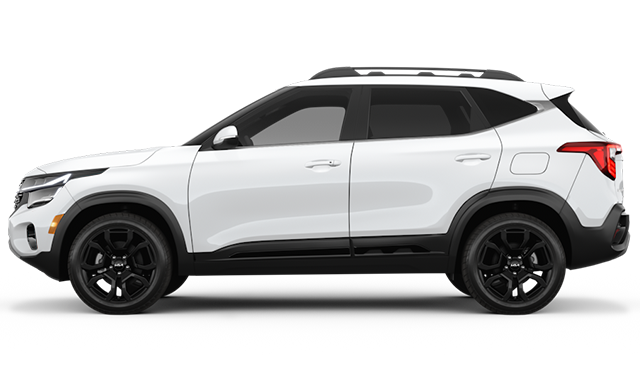
The 2026 Kia lineup includes Digital Key technology across multiple segments. The Sportage offers Digital Key 2 on select trims across all three powertrains - gasoline, hybrid, and plug-in hybrid. Higher trim levels include this feature as part of the technology package, paired with the 12.3-inch touchscreen and head-up display.
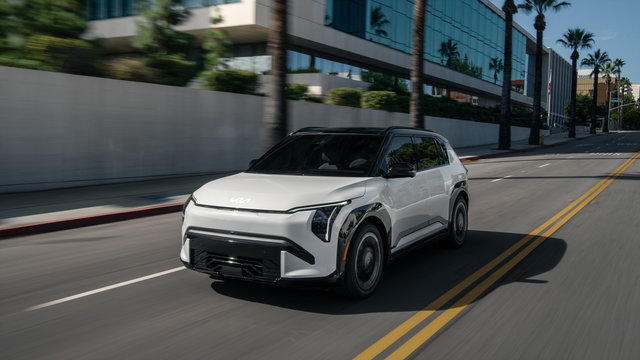
The EV9 comes standard with Digital Key 2 on all trim levels, from the Light RWD to the premium Land with Premium Package. This all-electric SUV also includes a Finger Print Module for additional security, allowing biometric authentication alongside your smartphone key.
Other 2026 models equipped with Digital Key:
- Sorento HEV and PHEV: Standard on SX trim
- Sportage HEV and PHEV: Standard on SX trim
- Niro HEV and EV: Included on SX trim levels
- K4 Hatchback: Available with Digital Key 2 featuring Ultra-Wideband technology on GT-Line Turbo models
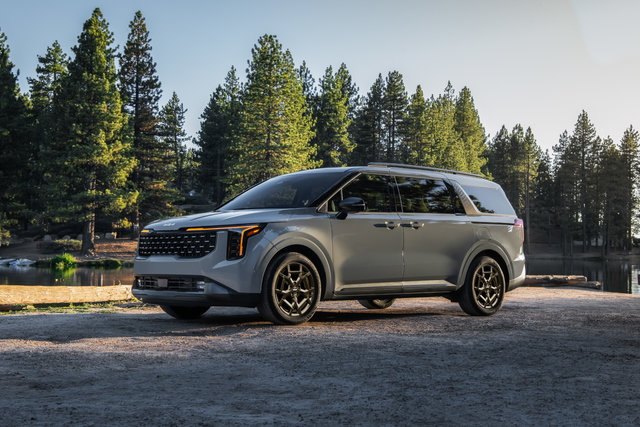
- Carnival HEV: Available on higher trim levels as part of the luxury package
Setting Up Your Digital Key: Step-by-Step Process
Activating Digital Key requires one physical key fob inside the vehicle during initial pairing. Ensure your smartphone runs the latest operating system - iOS for iPhone users or Android for Samsung and Google Pixel devices. Download the Kia Connect app and create an account if you haven't already.
For iPhone users: Turn on your vehicle with a key fob inside. Open the Kia Connect app and select the Digital Key icon in the top right corner. Follow the prompts to continue to Apple Wallet. On your vehicle's infotainment screen, navigate to Setup, then Vehicle, then Digital Key, and select Smartphone Key. Tap Save to initiate pairing.
Place your iPhone near the wireless charging pad for Digital Key 2 Touch vehicles. For Digital Key 2 vehicles, simply keep your phone inside the cabin - specific placement isn't required. The phone and infotainment system will pair automatically. Once complete, your Digital Key appears in Apple Wallet.
For Android users: Open Kia Connect, select Digital Key, and tap Continue to Wallet App. Navigate to the Digital Key menu on the infotainment screen and tap Save. Place your phone on the charging pad for Digital Key 2 Touch, or keep it inside the vehicle for Digital Key 2. After pairing completes, the Digital Key appears in Samsung Wallet or Google Wallet.
Using Digital Key in Daily Driving
Digital Key 2 with passive entry unlocks your Kia as you approach with your phone. Walk up to the driver's door, and the vehicle recognizes your device within close proximity. The doors unlock automatically - no need to touch your phone or door handle. Slide into the driver's seat, press the brake pedal, and push the start button.
For Digital Key 2 Touch, hold the back of your phone near the driver's door handle to unlock. The NFC sensor reads your digital key and releases the locks. To start the engine, place your phone on the wireless charging pad, press the brake, and push the start button. Once the engine runs, you can remove your phone from the charging pad.
Remote commands add convenience for climate control and security. Open your wallet app and access the Digital Key card. Tap the remote start icon to fire up the engine from inside your home or office. Set the climate control to your preferred temperature, activate the heated seats, or turn on the defroster before stepping outside.
Sharing Access with Family and Friends
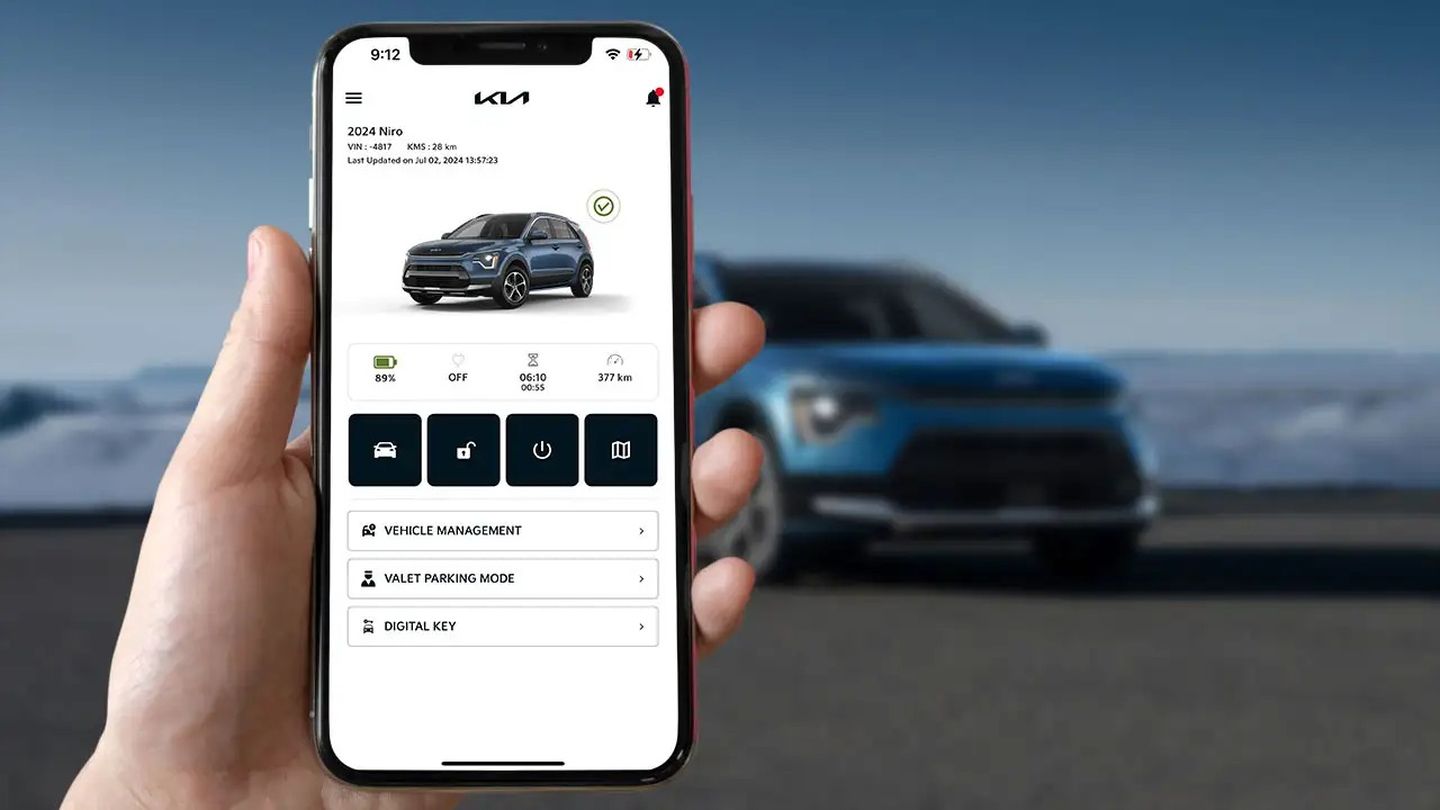
Digital Key allows you to share vehicle access with up to three people remotely. Open your wallet app, select your Kia Digital Key, and choose the Share option. Enter the recipient's email address or phone number. The system sends an invitation to add the shared key to their wallet app.
You control the access level for each shared key. Full access grants the recipient the ability to unlock, lock, and start the vehicle - ideal for family members who regularly drive your Kia. Limited access restricts the shared key to locking and unlocking only.
Revoking access takes seconds. Open your wallet app, navigate to the list of shared users, select the person, and cancel their access. The system immediately removes their digital key and sends a notification confirming the revocation.
Security Features and Emergency Scenarios
Digital Key employs multiple security layers to protect your vehicle. The system requires biometric authentication or passcode entry when using the key, depending on your phone's security settings. For Digital Key 2 users, you can disable passive entry in your wallet app settings.
If your phone is stolen, iPhone users should report the device as stolen through their Apple account. The Digital Key deletes automatically during the account lock process. Samsung users access the Find My Mobile function on Samsung's website, which triggers the same automatic deletion. Alternatively, delete the digital key directly from your vehicle's infotainment system, the Kia Owner's Portal, or the Kia Connect app.
Digital Key continues to function for a limited time even when your phone's battery dies. The exact duration depends on your device model and remaining battery capacity.
When selling or trading your Kia, delete your Digital Key profile before transferring ownership. Navigate to the infotainment centre's Digital Key menu or access your Kia owner's account online. For assistance, contact the Kia Connect Call Centre at 1-877-542-2886, available Monday to Friday from 8:30 AM to 6:30 PM EST.
Compatibility Requirements and Limitations
Digital Key requires compatible hardware and software on both your smartphone and vehicle. All devices should run the latest operating system version - iOS for Apple products or Android for Samsung and Google devices. The Kia Connect app must be installed and updated to the current version.
Digital Key 2 Touch works with a broad range of NFC-enabled smartphones, including older iPhone models and mid-range Android devices. Digital Key 2 requires Ultra-Wideband hardware, which limits compatibility to newer flagship smartphones. iPhone 11 and later models support UWB technology. Samsung Galaxy S21 and newer, along with Google Pixel 6 Pro and later models, include the necessary UWB chips.
The system operates independently of cellular network coverage after initial setup. Digital Key 2 Touch uses NFC technology, while Digital Key 2 relies on Ultra-Wideband and Bluetooth. Both function without an active data connection.
Currently, only the vehicle owner can link a Digital Key to a driver profile. Shared keys provide vehicle access but don't trigger personalized settings for seat position, mirrors, or climate preferences.
Troubleshooting Common Digital Key Issues
If your Digital Key stops working, verify your phone's battery level and ensure Bluetooth remains enabled. For Digital Key 2, confirm that passive entry is activated in your wallet app settings. Check that your phone hasn't entered power-saving mode, which can disable background wireless functions.
When pairing fails during initial setup, ensure at least one physical key fob sits inside the vehicle. Restart both your smartphone and the vehicle's infotainment system, then attempt the pairing process again. Verify that your Kia Connect app is updated to the latest version available in your app store.
For Digital Key 2 Touch users experiencing unlock issues, clean the area around the wireless charging pad and door handle sensors. Dirt or debris can interfere with NFC communication. Remove any thick phone cases that might block the NFC signal, or ensure your case is NFC-compatible.
Maximizing Digital Key Benefits in Ontario
Digital Key proves particularly valuable during harsh Ontario winters. Remote start allows you to warm the engine and cabin before stepping outside. Activate the heated seats and steering wheel, set the defroster to clear ice from the windshield, and adjust the climate to a comfortable temperature - all from inside your home.
The hands-free operation of Digital Key 2 eliminates the need to remove gloves and fumble with key fobs in freezing temperatures. Walk up to your Kia with your phone in your coat pocket, and the doors unlock automatically.
For families managing multiple drivers, Digital Key simplifies vehicle sharing. Parents can grant temporary access to teenage drivers with limited permissions, or share full access with a spouse who uses the vehicle regularly. The ability to revoke access remotely provides peace of mind when lending your Kia to friends or service providers.
Experience Digital Key Technology at Trento Kia
Kia Digital Key 2 advances vehicle access technology, combining convenience with robust security features. The system eliminates the need to carry physical keys, provides flexible sharing options, and integrates with the smartphones you already use daily. Whether you choose the hands-free experience of Digital Key 2 or the reliable simplicity of Digital Key 2 Touch, both systems enhance your ownership experience.
Visit our team at Trento Kia to explore Digital Key technology. Our product specialists can demonstrate the pairing process, explain the differences between Digital Key 2 and Digital Key 2 Touch, and help you determine which 2026 Kia models include this feature.